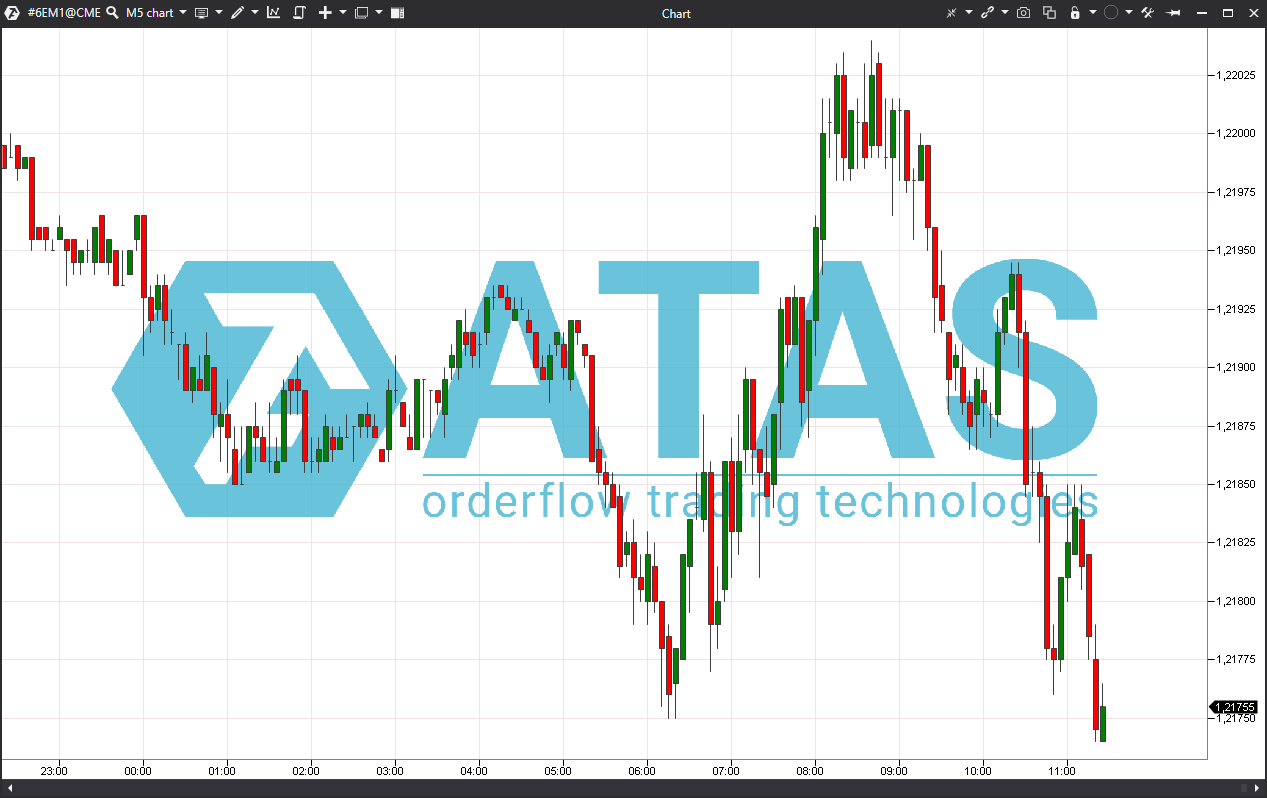
This indicator is used to display images from files in the chart window on background or over chart.
Indicator view on the chart:
To add and configure the indicator, you must open the settings window.
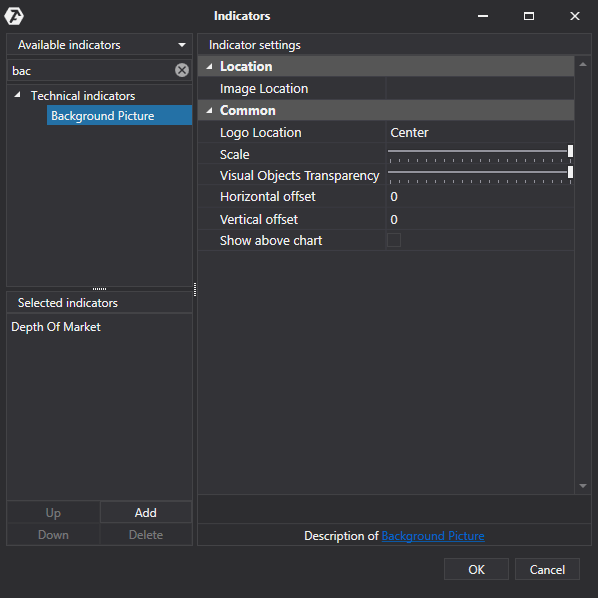
Location
Image Location - click in this field - a button for selecting an image file will appear on the right. Click on it and select the file on your computer in the window that appears.
Common
Logo location - select the location of the image.
Scale - adjust scale of the image.
Visual Objects Transparency - adjust transparency of the image.
Horizontal offset - set the value of the horizontal offset.
Vertical offset - set the value of the vertical offset.
Show above chart - enable / disable display of the image over the chart.
Was this article helpful?
That’s Great!
Thank you for your feedback
Sorry! We couldn't be helpful
Thank you for your feedback
Feedback sent
We appreciate your effort and will try to fix the article